Description
QR Code Menu printing gives restaurants, cafés, hotels and food-service businesses a simple way to connect customers with a digital menu through a printed, scannable code. A branded tabletop display can show your logo, a short instruction and the QR code that opens your approved menu link on a compatible smartphone. Ad Print provides print solutions for businesses in Dubai and across the UAE, with physical display options selected according to the required format, quantity and finish.
QR Code Menu Displays: 7 Best Benefits for Restaurants
A printed QR display puts your digital menu within easy reach at a dining table, counter, reception area or takeaway point. Instead of asking customers to search for your website, the display provides a direct route to the menu link you supply. It can also keep the tabletop presentation consistent with the rest of your restaurant branding.
- Easy access: Customers can scan the printed code using a compatible phone camera or QR scanning app.
- Branded presentation: Add your logo, brand colours and a short call to action.
- Flexible placement: Use tabletop cards or self-standing tent displays where suitable.
- Support for digital menus: Link to a mobile-friendly webpage or another compatible destination.
- Promotional use: A QR code can direct visitors to specials, beverage lists, offers or seasonal selections.
- Reduced reprinting for content changes: When the code points to a menu you can update online, menu changes may not require a new print run, provided the link remains the same.
- Consistent customer experience: Use the same visual identity across tables, counters and other customer touchpoints.
Effective QR Code Menu design prioritises scan reliability, clear instructions and readable branding. The code should remain easy to locate and should not be obscured by decorative graphics, folds or low-contrast backgrounds.
Formats, Materials and Finishing Options
The right physical format depends on your service environment, the amount of space available and how often the display will be moved or handled. Table tents and flat tabletop cards are common formats for restaurant and café use. Availability, size and finishing should be confirmed against the chosen product configuration.
- Table tent displays: Folded cards designed to stand independently on suitable flat surfaces.
- Flat QR cards: Compact printed cards that can be placed in a holder or laid on a counter.
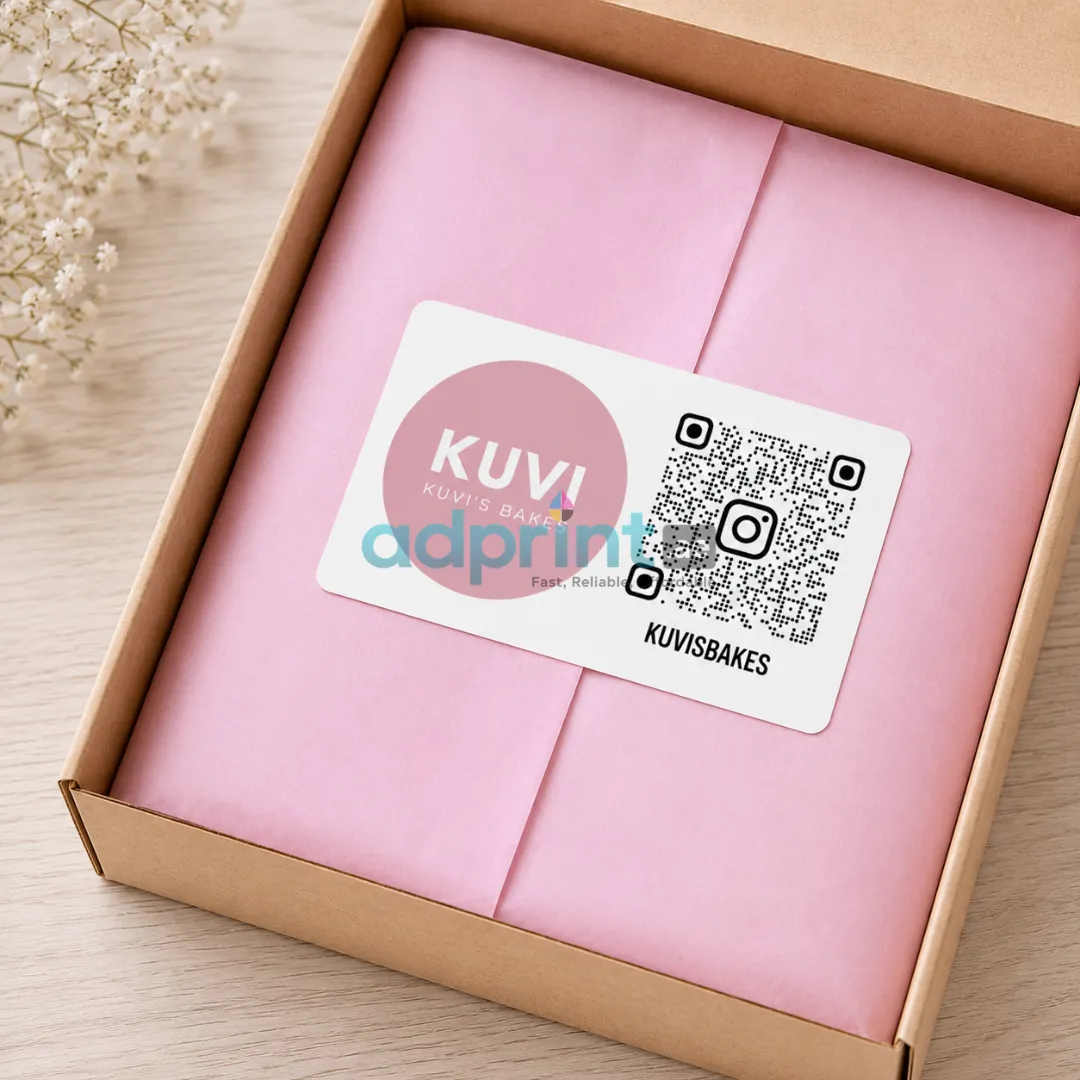
- Branded table displays: Layouts that combine a QR code with your logo, scan instructions and a brief message.
- Paper or card stock: Select the material based on the intended display style and handling conditions.
- Optional lamination: Matte or gloss lamination may be available for selected printed formats.
Do not assume every material or finish is included in the base price. Confirm the finished dimensions, printing sides, stock and finishing before approving the order. If you require an acrylic or other rigid holder, check whether it is included or must be quoted separately.
QR Code Menu Artwork and Scan Reliability
A QR code must remain readable after printing. Use the final, tested code in the artwork and retain sufficient clear space around its edges. Strong contrast between the code and its background helps scanning, while placing the code over a photograph, pattern or fold can interfere with readability.
- Use a clear, high-contrast code, preferably dark on a light background.
- Keep an uncluttered margin around the code and avoid stretching it out of proportion.
- Test the final artwork on multiple phones before approving production.
- Check that the destination opens correctly on a mobile device without requiring unnecessary steps.
- Make the printed call to action clear, such as “Scan to View Menu”.
- Verify that the URL is correct and that the digital menu is published before printing.
QR Code Menu artwork should be approved only after the code has been scanned from the final proof or a representative-size print. A code that works on a computer screen may not scan as reliably when reduced, distorted or printed with insufficient contrast.
Applications
Printed QR displays can be used by restaurants, coffee shops, bakeries, hotels, lounges, food courts, food trucks, catering businesses and quick-service outlets. They can link customers to food menus, beverage lists, dessert menus, seasonal specials, takeaway information or a relevant online ordering page.
Hospitality venues may also use QR displays at reception desks, waiting areas, poolside tables and event dining spaces. Make sure the destination matches the message printed on the display so customers know what they will see after scanning.
Industries We Serve
Our intended customer segments include independent cafés, casual dining restaurants, fine-dining venues, hotel restaurants, resort facilities, bakeries, dessert shops, juice bars, catering companies and food-service operators. Multi-branch businesses can maintain a consistent display design across locations, while individual venues can adapt the printed message to their service model.
For growing hospitality brands, a QR Code Menu display can be part of a coordinated print system alongside traditional menus, promotional table cards, takeaway flyers and other branded materials. A physical menu option may still be useful for guests who prefer not to scan a code or cannot access the online destination.
Why Choose Ad Print Advertising?
Ad Print Advertising supports businesses looking for practical print and branding materials for customer-facing spaces. A clear brief and approved artwork help ensure that the printed result reflects the intended layout, branding and use.
- Custom brand presentation: Incorporate approved logos, brand colours and clear scan instructions.
- Format-led planning: Select a suitable tabletop format according to placement and handling needs.
- Artwork checks: Review the final code, destination URL, wording and print dimensions before production.
- Coordinated print materials: Combine the display with related menus and promotional printing where required.
When requesting a quotation, specify the quantity, display format, finished size, material, finishing and whether you will supply print-ready artwork. Also state whether you need QR-code placement only or assistance preparing the code artwork.
How to Order a QR Code Menu
- Prepare the destination: Publish your digital menu or confirm the exact URL you want customers to open.
- Choose a format: Decide whether a flat card or self-standing table tent suits your tables and counters.
- Confirm the quantity: Estimate the number required for each branch, table or service area.
- Supply your brand assets: Provide the logo, colours, scan instruction and any additional wording.
- Review the proof: Check the layout and test the QR code before giving approval.
- Confirm production: Approve the final size, material, finishing, quantity, price and delivery schedule.
Before confirming your QR Code Menu order, check that the destination link is live and that the printed code scans correctly. If the digital menu URL changes later, the printed code may stop working unless the original link redirects to the new destination.
Paper Sourcing and Printing Standards
When selecting materials for printed QR menu displays, consider responsible paper sourcing, print quality, durability and the intended handling conditions. The Forest Stewardship Council (FSC) guidance for paper and print provides information about responsible sourcing for paper-based products. You can also review the relevant ISO standard to understand its scope and potential applicability to your printing requirements. These resources can support informed material selection and supplier discussions; they do not automatically certify a specific printed product, material or printing company.
Relevant Products
Coordinate your tabletop displays with business printing services and Standard Business Cards for a consistent brand presentation. For more print-planning information, read the Business Card Printing in UAE guide. Confirm that each selected product meets your format, quantity and finishing requirements.
Request a Quote for QR Code Menu Printing
Prepare your digital menu link, preferred display format, quantity and branding assets before requesting a quotation from Ad Print. Share any material or finishing preferences and confirm whether the order covers printing only or includes additional artwork assistance. A complete brief makes it easier to price the intended product accurately.